The Predictive professional report is a list of transiting events (i.e. transits) to a base chart, called the "radix" chart, which can be a natal chart, a
Predictive Report Options
The Predictive Report has extra options you can set.
1)Click on the Predictive Report in the list of reports.
|
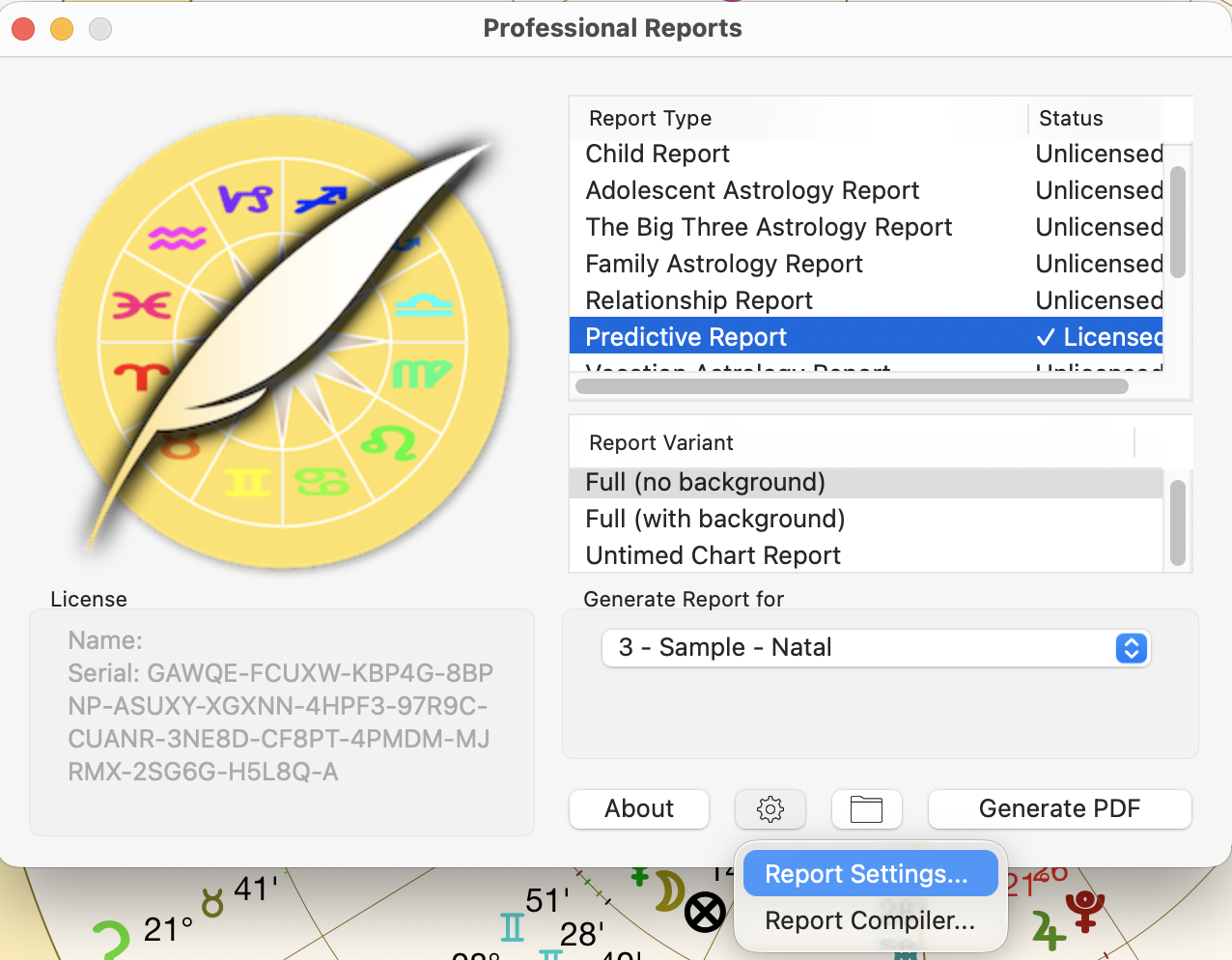
2)Select the report variant.
a.a report with a background shows the transits currently in effect before the report starting date, before showing the additional transits that will also be happening at some time within the duration of the report.
b.an Untimed Chart report is for a chart for which the time of birth is unknown.
3)Clicking on the gear icon  at the bottom drops down a menu - clicking on Report Settings opens the "Report Options" dialog below.
|
|
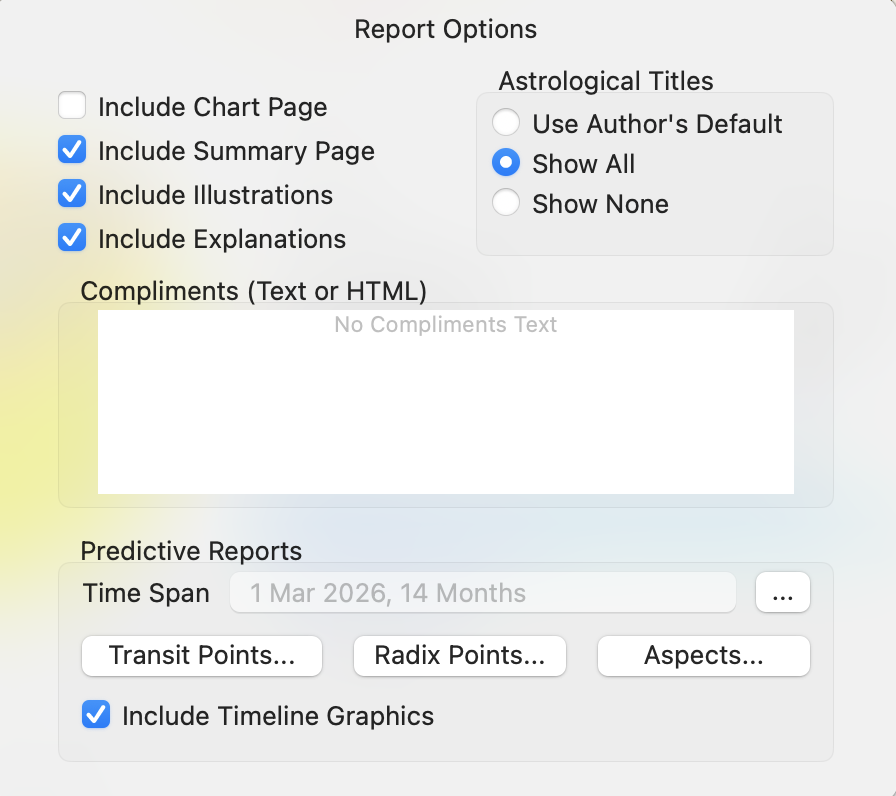
•Up the top turn the options you want on or off by clicking in the checkboxes.
•You can also enter the Compliments you want used for the reports.
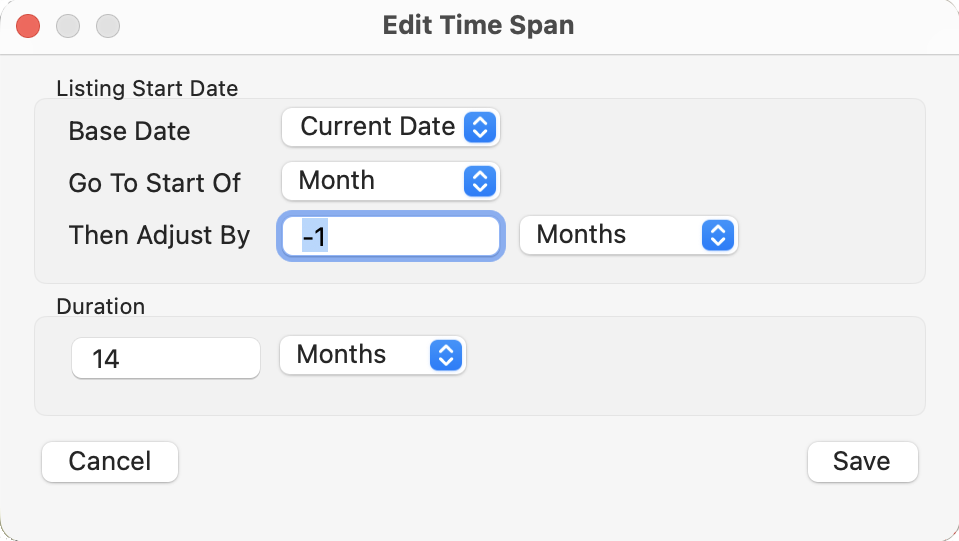
•To set the Time Span for the report click the button with ... in it and the "Edit Time Span" dialog is displayed. Modify the report time span, then click on the Save button, and you'll be returned to the "Report Options" dialog.
|
•By clicking on the Transit Points, Radix Points or Aspects buttons you can select which of these items you want to be used in your reports by clicking on them. Items available for each are shown below.
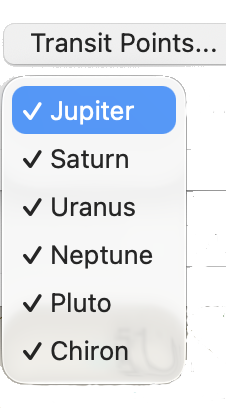 Transiting Points |
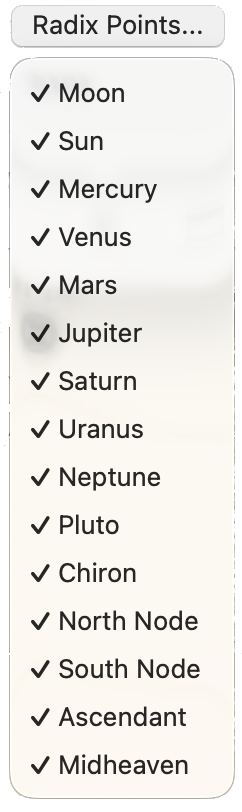 Radix Points |
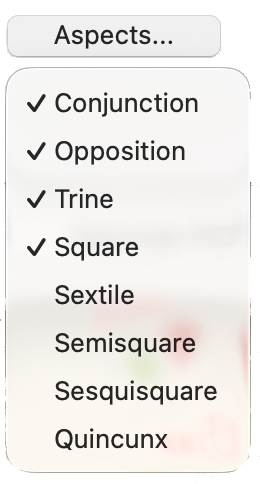 Aspects |
•Finally, to Include Timeline Graphics click in its checkbox. Below is an example of what Timeline Graphics look like (they are displayed at the beginning of each transit, above the text describing the transit).
|