If the type of report you selected is "Interpretations" then you need to tap on the > to the right of the particular item you want interpretations for.
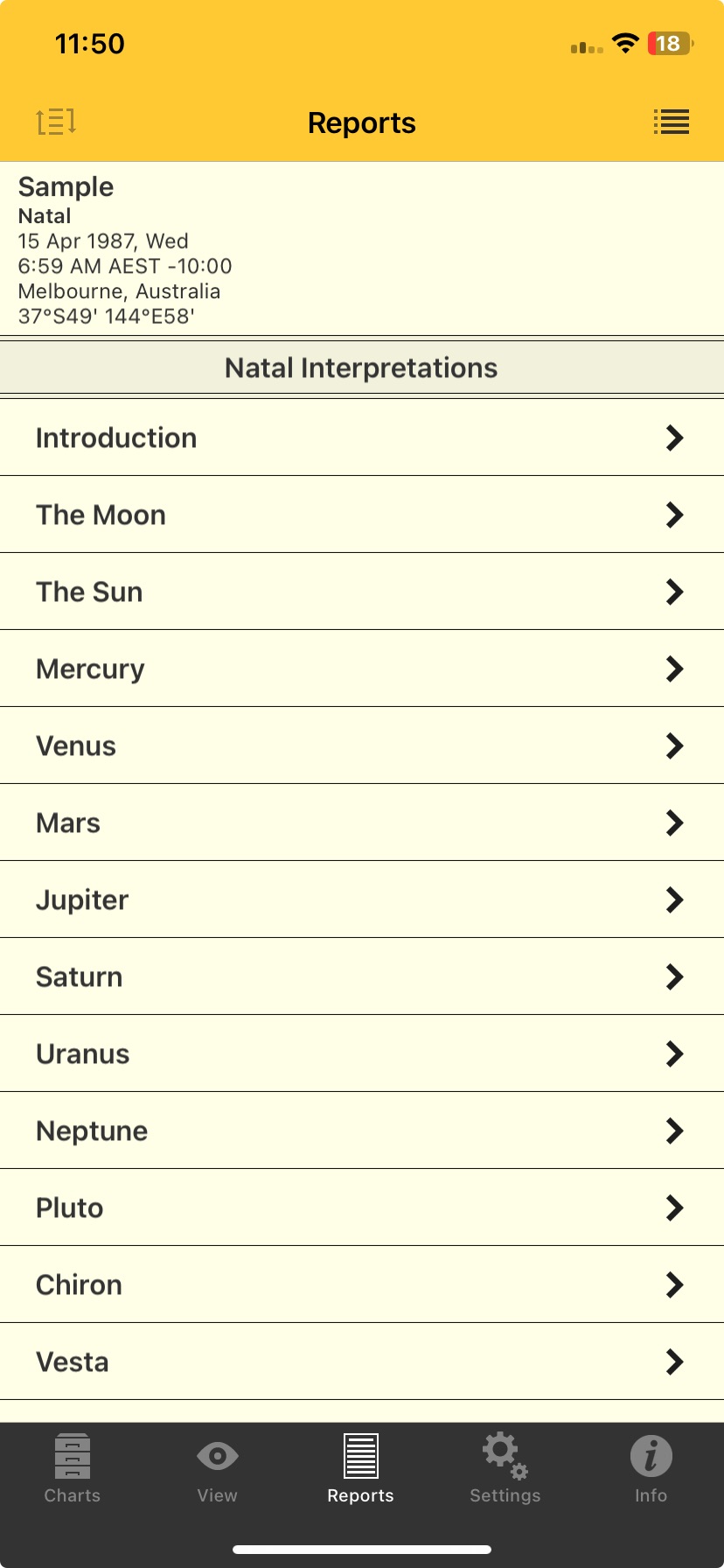 |
This will take you into the "Interpretations" screen where you can read the interpretation information.
➢ Once you have read the interpretation tap on the < Reports icon in the Toolbar (top left of the screen) to return to the "Reports" screen.