>> To edit the Home Screen
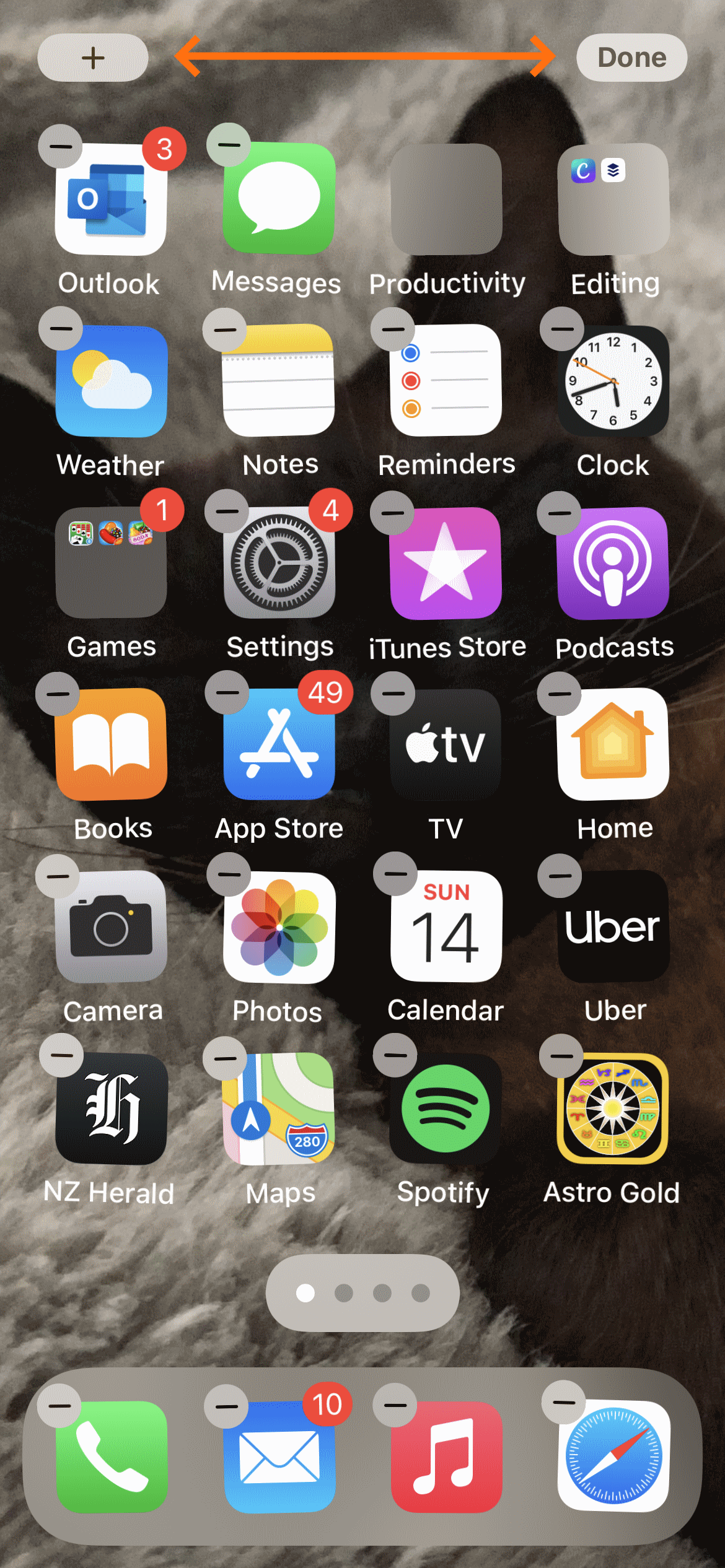
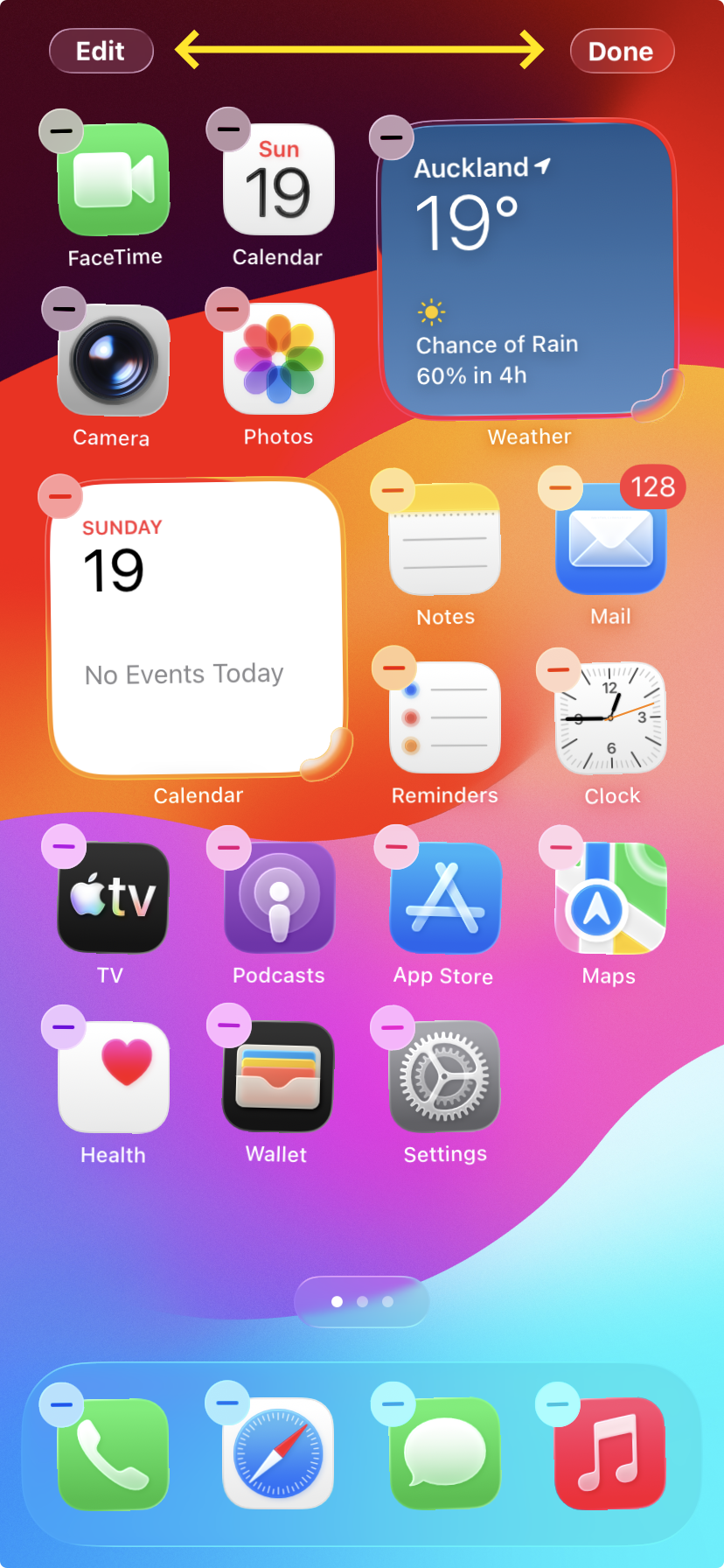
Edit the Home screen by long holding (tap, and hold continuously down) on any blank area of the home screen, until all the icons start jiggling and there is a "+" or "Edit" button in the top left of the screen, and a "Done" button in the top right of the screen.
 |
 |